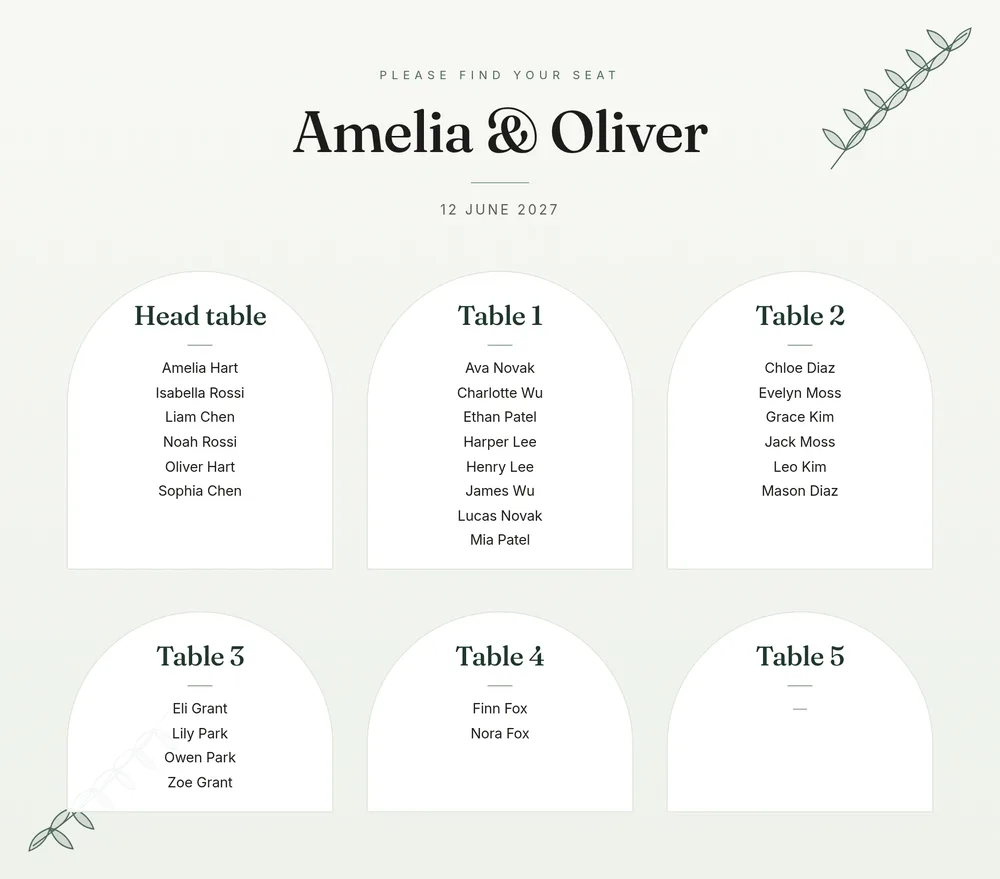
A seating chart has two audiences. Guests need to find their name quickly while holding a glass, and the people running the day — venue staff, the caterer, whoever is setting out place cards — need lists they can work from. SeatFinch’s export is built for both. One click produces every file below, styled in the theme you choose.
What the export includes
| File | Format | Who it is for |
|---|---|---|
| Seating chart | PDF (US Letter, landscape) | Printing at home or sending to a print shop |
| Seating chart | PNG at 2× resolution | Enlarging for a welcome sign, or sharing digitally |
| Escort list | PDF and CSV | Every guest A–Z with their table — for escort cards or a list display |
| Floor plan | PNG | Venue staff setting up tables |
| Guests by table | CSV | Caterer and venue: table, guest, household, meal and tags |
Exports are part of the one-time event unlock ($24). Planning and arranging your seating are free.
Three print themes
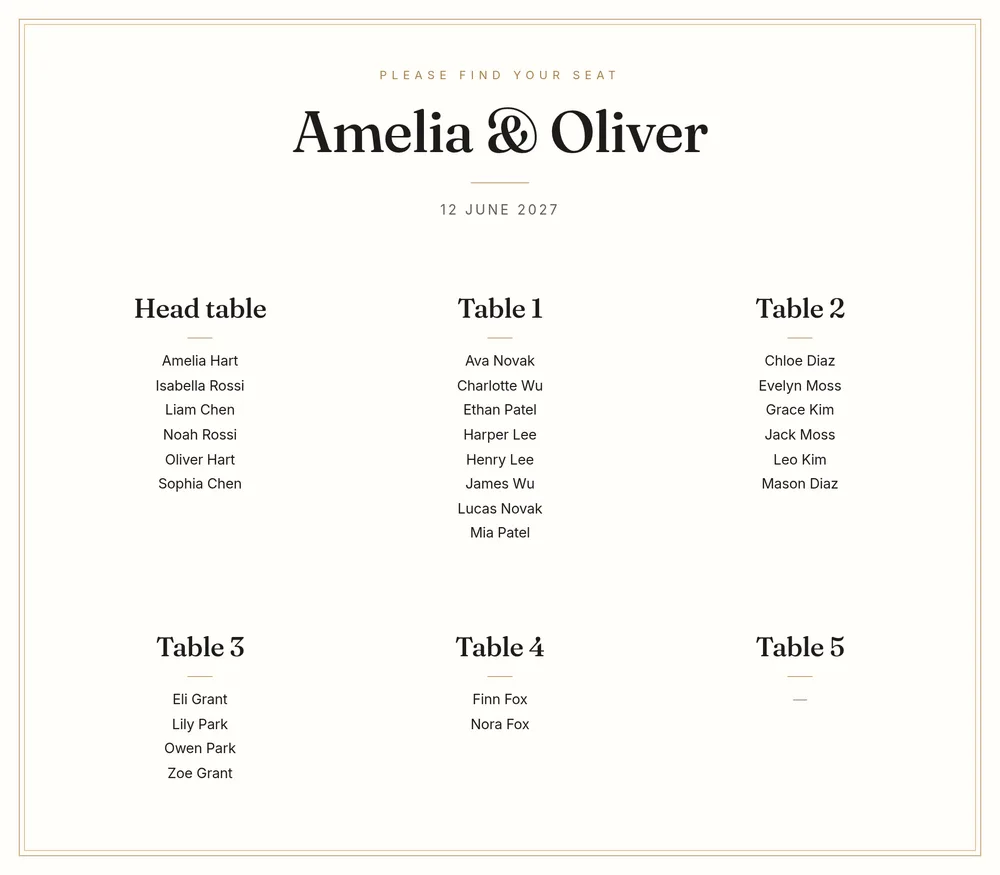
Classic uses a serif display face with a warm cream ground — a good fit for traditional invitations and venues with wood or candlelight.
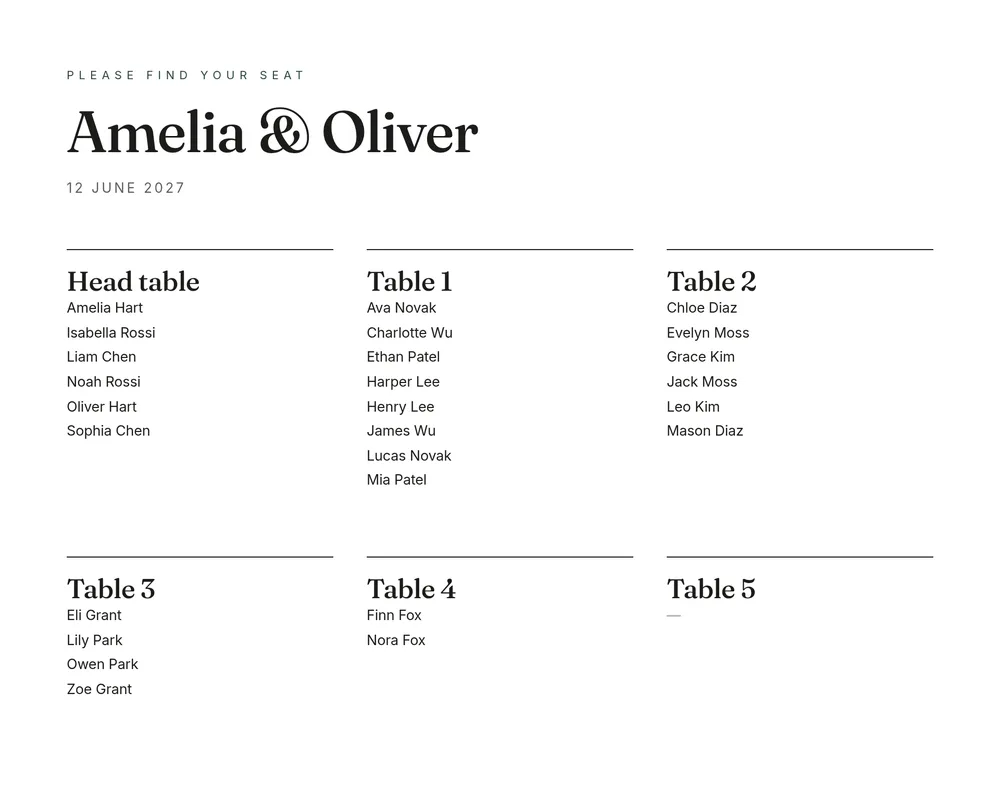
Modern is clean and high-contrast, with simple rules between tables. It suits city venues and minimal stationery.
Botanical adds soft green leaves around the frame for garden, barn and outdoor weddings.
You can switch theme at any time before exporting; the arrangement itself doesn’t change.
Arrange your tables free, then export when you’re ready to print.
Start planning freePrinting a large seating sign
The PDF is laid out for US Letter paper, which is perfect for proofs, the planner’s binder and small displays. For a large welcome sign, use the high-resolution PNG instead and ask your print shop to fit it to your board size. A few practical tips:
- Proof at home first. Print the PDF on ordinary paper and check every name with someone who knows the families. Misspelled names are the most common seating-sign mistake.
- Choose your size by guest count. As a rough guide, up to about 80 guests reads comfortably at 18 × 24 in (A2); larger weddings usually need 24 × 36 in (A1) or a sign split into two boards.
- Ask for a matte finish. Gloss reflects venue lighting and photographs poorly.
- Print one spare. Signs get damaged in transport more often than you would expect.
- Leave time. Most print shops need two to five working days for foam-board or acrylic signs.
Checking the chart before it goes to print
A printed chart can’t be corrected with an undo button, so give it one careful pass:
- Every guest appears exactly once. The sidebar shows how many guests are seated out of the total — it should match before you export.
- Table names match the room. If the venue numbers tables differently from you, rename them in SeatFinch so the sign and the table cards agree.
- Names look the way guests expect. Decide on first names or full names, "Dr." or not, and apply it consistently.
- Late changes are reflected. If someone drops out after you export, edit the plan and export again; nothing about the unlock limits how many times you can do that.
Escort cards and place cards
The escort list is sorted alphabetically by guest name with the table beside each one, which is exactly the order you want for an escort-card table or a framed alphabetical list. If you are making individual cards, open the CSV in your spreadsheet and use it as the data source for a mail merge in Word, Google Docs or a design tool, so every card is spelled the same way as the chart.
Sending lists to the caterer
The guests-by-table CSV lists each table with its guests and their meal choice. Most caterers and banquet managers ask for exactly this: how many of each meal go to which table. Send it with your final numbers, and send it again if anything changes after the deadline.
Related guides: escort cards vs place cards and seating chart display ideas.
Last updated 2026-11-02